












How to Check and Manage Roamvy Data Balance
Nov. 25, 2025
How-To Guides
When you’re traveling, every MB counts. Whether you’re streaming, navigating, or sharing memories on the go, keeping track of your eSIM mobile data ensures you never run out unexpectedly.
With Roamvy, checking and managing your eSIM data balance is simple, transparent, and always available — right from your phone, anytime, anywhere.
Why Monitor Your eSIM Data Balance?
Knowing your remaining data helps you:
- Avoid surprises — track usage before you run out.
- Stay in control — top up when needed, instantly.
- Optimize speed — prevent slowdowns once limits are reached.
- Plan smarter — choose the right plan size for future trips.
Roamvy makes this easy with real-time balance visibility across both the website and the app. Whether you’re on a regular plan or an unlimited eSIM data plan, you’ll always know how much mobile data you have left.
How to Check Your Roamvy Data Balance
You can view your data balance instantly using three simple methods:
1. Using the Roamvy App (Recommended)
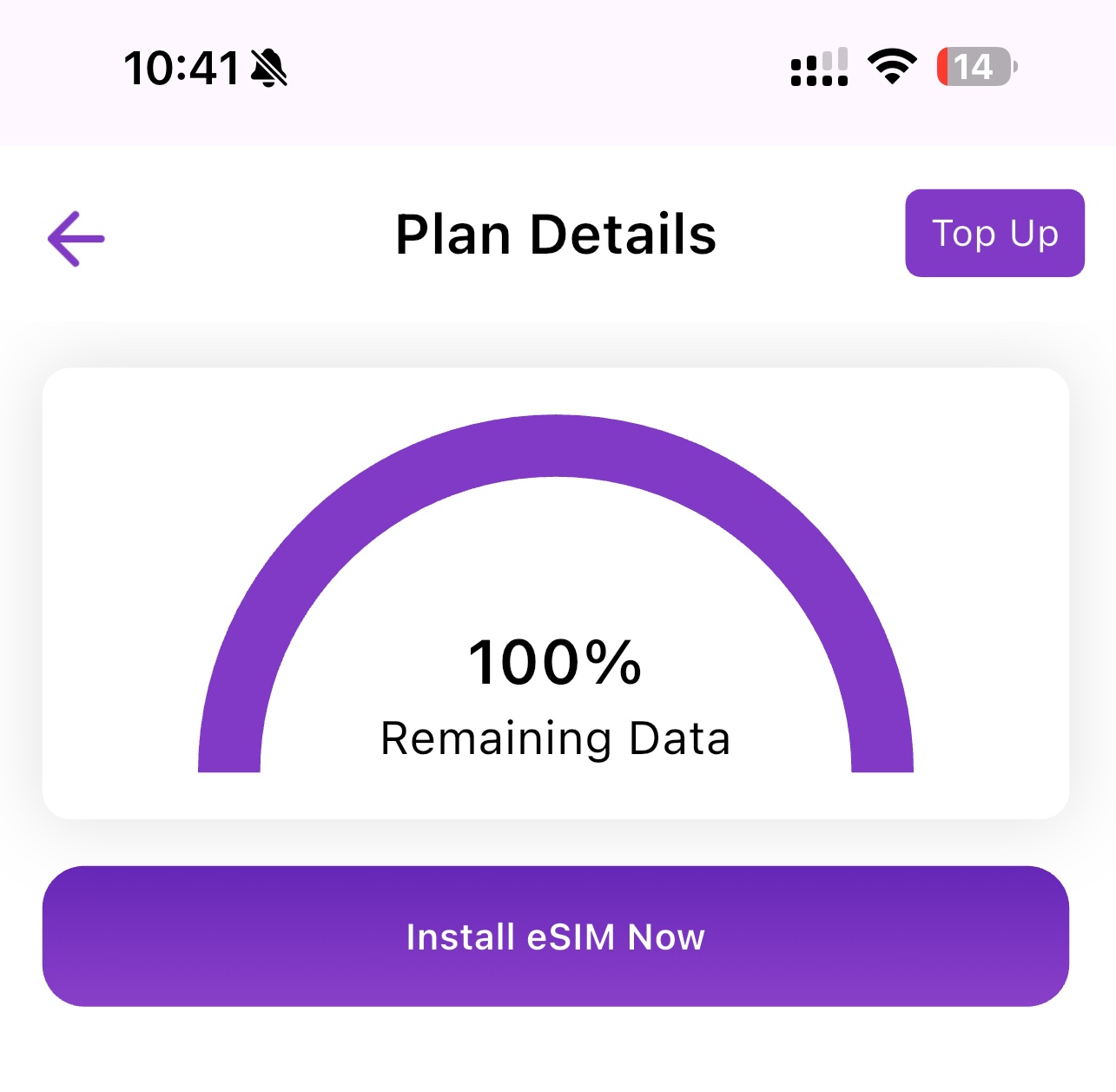
The Roamvy App gives you a live view of your eSIM mobile data usage and plan status.
Steps:
- Open the Roamvy App on your iPhone or Android.
- Tap ‘My eSIMs’ on the home screen.
- Select your active plan (e.g., “Japan – Unlimited” or “Middle East Regional”).
- Your remaining data balance and validity period will appear instantly.
💡 You can also view your daily usage breakdown and top up directly from the same screen, whether it’s a standard plan or an unlimited eSIM data plan.
2. Through the Roamvy Website
If you purchased your eSIM on the website, you can check your data usage at any time.
Steps:
- Go to Roamvy.com and Log In.
- Click on My Account → My eSIMs.
- Select the plan you want to check.
- Your remaining data, used GBs, and expiry date will be shown in real time.
3. Through Email Notifications
Roamvy automatically sends usage alerts to help you stay informed.
You’ll receive notifications when you reach:
- 50% of your plan usage
- 80% of your plan usage
- 100% (fully used)
Each alert includes a direct link to top up or renew your plan in seconds — even for unlimited eSIM data plans. You can also monitor usage for added transparency.
How to Manage and Extend Your eSIM Plan
If you’re running low on data, there’s no need to buy a new eSIM — just top up or renew your current plan.
To Top Up:
- Open your Roamvy App or account dashboard.
- Select your active eSIM.
- Tap ‘Top Up / Extend Plan’.
- Choose a data package or validity extension that suits you.
- Confirm payment — your plan updates instantly.
✅ No reinstallation required — your existing eSIM profile stays active.
Tips to Optimize Data Usage While Traveling
- Download maps offline: Use Google Maps’ offline feature before leaving Wi-Fi.
- Turn off background refresh: Save data from apps that update constantly.
- Use Wi-Fi when available: Especially for video calls or streaming.
- Track usage in Roamvy: Check daily to avoid overages.
Why Roamvy Makes Data Management Easy
Roamvy is built for flexibility and control — no hidden fees, no confusing dashboards.
With every plan, you get:
- Real-time balance tracking
- Instant top-ups from the app or the web
- Intelligent usage alerts via email
- Seamless renewals without reinstallation
It’s travel connectivity made transparent — just how it should be.
Final Thoughts
Whether you’re exploring Tokyo, working remotely in Dubai, or backpacking through Europe, managing your data shouldn’t be a guessing game.
With Roamvy, you can check your balance anytime, top up instantly, and stay connected wherever your journey takes you.
Track your eSIM data in real time — download the Roamvy App today and experience total travel freedom.