












How to Pause, Resume, or Switch eSIMs Without Losing Data
Jan. 22, 2026
How-To Guides
Modern smartphones allow travelers to store multiple eSIM profiles simultaneously, but many users still treat eSIMs like disposable SIM cards. This misunderstanding often leads to accidental data loss, unnecessary reinstallation, or wasted plan validity.
If you’re new to digital SIMs and wondering what is an eSIM, it is simply a digital carrier profile built into your phone that lets you connect without a physical SIM card.
This guide explains how eSIMs actually work, how pausing differs from deleting, and how to safely switch between multiple eSIMs while traveling — without losing any remaining data or disrupting eSIM activation.
How eSIMs Store Your Data Plan
An eSIM is a digital carrier profile permanently stored on your device until you delete it.
Your data balance lives on the carrier side, not on the active connection.
This means:
- Turning an eSIM off does not erase data
- Switching eSIMs does not affect the remaining balance
- Only deletion or expiration ends a plan
Pausing an eSIM simply stops it from being the active data line after you activate eSIM on your device.
When You Should Pause an eSIM
Pausing is useful in several real-world travel scenarios:
- Layovers where you don’t want to consume data
- Border crossings when switching between country plans
- Multi-country trips using multiple eSIMs
- Saving unused data for a return visit
- Temporarily using Wi-Fi only
Pausing keeps the eSIM installed and the plan intact, without restarting the eSIM activation process.
How to Pause or Resume an eSIM (Step-by-Step)
iPhone
Settings → Cellular → Select the eSIM → Toggle Turn On This Line OFF or ON
Android
Settings → Network & Internet → SIM Manager → Select eSIM → Disable or Enable
Changes apply instantly and do not require reinstalling or repeating the steps you used to initially activate the eSIM.
Switching Between Multiple eSIMs Safely
Most modern devices support:
- One physical SIM
- Multiple stored eSIMs
- One active data line at a time
You can:
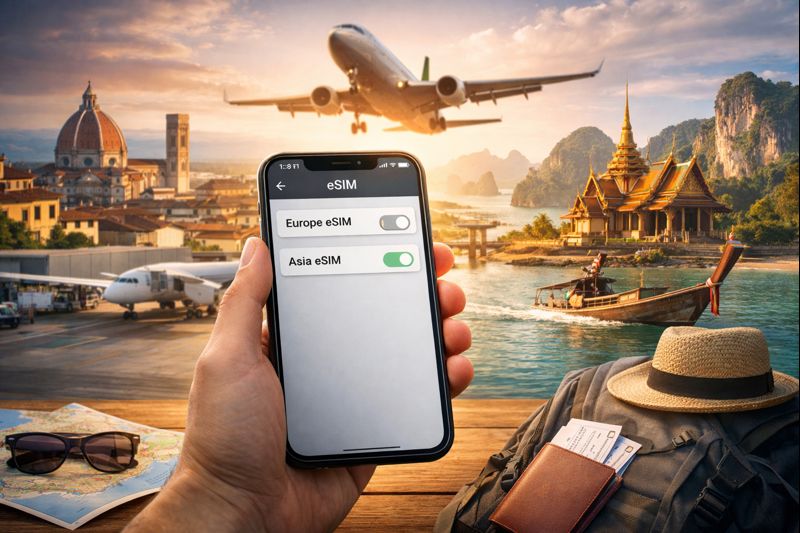
- Keep a Europe eSIM installed
- Switch to an Asia eSIM later
- Retain your home SIM for calls and SMS
Switching does not reset usage, validity, or the original eSIM activation process.
Common Mistakes That Cause Data Loss
- Deleting an eSIM instead of pausing it
- Letting a plan expire unintentionally
- Reinstalling unnecessarily
- Forgetting to enable data roaming after resuming
Always pause first unless you are certain you will not reuse the plan.
FAQs
Does pausing reset my data?
No. Remaining data stays available.
Can I resume after weeks?
Yes, as long as the plan has not expired.
What happens if I delete the eSIM?
The plan is permanently removed and cannot be recovered.